


LED CONTROLLER PROGRAMMING
Explore each LED Controller feature below is shipped factory pre-programmed and ready to use. Each section includes a brief description, jumper connections, step-by-step programming instructions, and a short video.
Click here to download the LED Controller Configuration Software.
Primary Modes

Mode 1
LED Status → Steady
Mode 2
LED Status → Slow Flashing
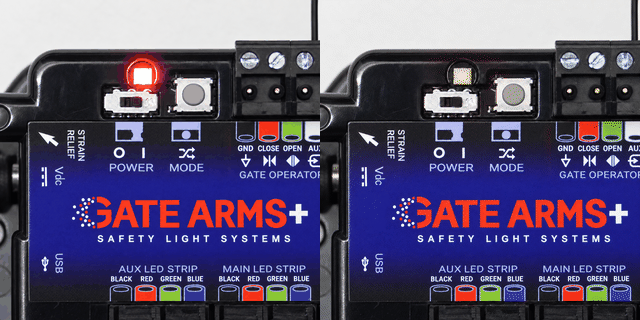
Mode 3
LED Status → Fast Flashing
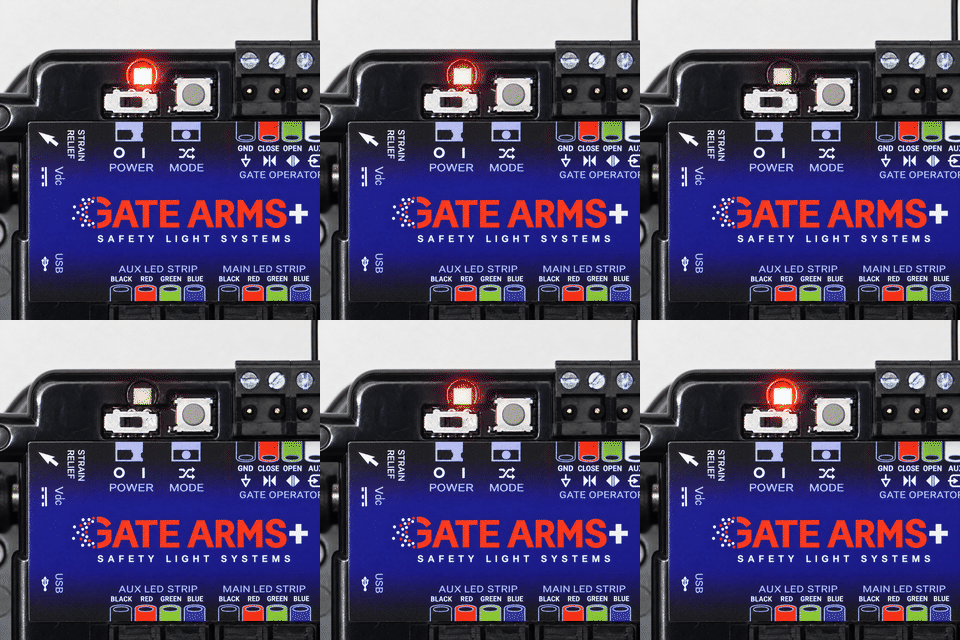
Custom Programming
LED Status → Heartbeat
WARNING — BEFORE PROGRAMMING
To prevent damage to the LED Controller or gate operator control board, disconnect all existing field wiring from the LED Controller except the power supply connection before programming.
-
Keep the LED Controller power supply connected. Power is required for programming.
-
Disconnect all other connected wires before installing programming jumpers.
-
Follow the jumper connection instructions for the selected feature.
-
Remove programming jumpers before reconnecting the original field wiring.
Never connect programming jumpers while other field wiring remains connected.

LED Aux Behavior

External Relay Control
Aux LED port colors can be attached to relays in order to control external devices.
Programming Steps:
Aux Red → Open
Toggle Static Light on LED Aux
Aux LED port will show a steady white light forever.
Programming Steps:
Aux Red → Aux
Controller Options
Enable Clicker on Aux Input
Enable open/close input on AUX for a clicker.
Programming Steps:
Main Blue → Aux

External Relay Control
Aux LED port colors can be attached to relays in order to control external devices.
Programming Steps:
Aux Red → Open
Toggle Static Light on LED Aux
ux LED port will show a steady white light forever.
Programming Steps:
Aux Red → Aux


